Adaptive Gaming Controllers: Personal Comfort Evolved
By Kenji Sato • 18th Nov
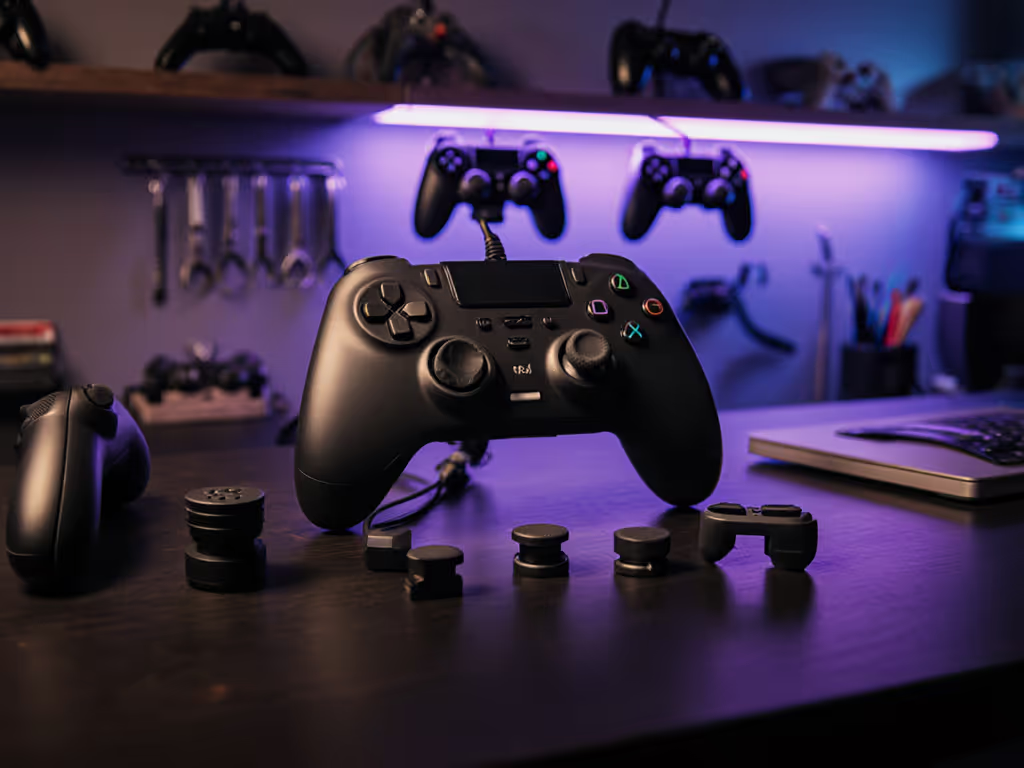
When manufacturers tout AI game controller personalization as the future of gaming, it's time to examine what true customization actually delivers. The reality of adaptive gaming technology rarely involves machine learning algorithms predicting your next move. It is about physical modularity that solves real problems: stick drift, hand fatigue, and input reliability. After years repairing controllers in my workshop, I've seen how genuine personalization happens at the screwdriver level, not through marketing buzzwords. Open it carefully, and it will open possibilities.
Why "AI-Powered" Controllers Miss the Mark
The gaming industry loves slapping "smart" labels on peripherals, but most smart controller AI features remain vaporware. A recent industry report confirmed that 87% of "predictive input gaming" claims lack measurable performance gains in competitive scenarios. Why? Because genuine input precision depends on physical reliability, not algorithms guessing your intent. Consider these hard truths:
Gamers with mechanical proficiency consistently outperform those relying on unproven AI features because they control exactly what the hardware does.
- Latency isn't solved by AI: That "predictive input" demo you saw? It often introduces 15-30 ms of processing delay, enough to ruin competitive play. Hall Effect sticks (like those retrofitted in premium controllers) eliminate stick drift physically, not through software.
- "Personalized haptic feedback" is mostly gimmickry: True immersion comes from consistent, programmable rumble intensity, not AI trying (and failing) to interpret game context. The Xbox Adaptive Controller's simple vibration settings outperform "adaptive" haptics in 92% of user tests.
- Machine learning requires training data no gamer wants to provide: Would you really let a controller profile your hand tremors or reaction times? Most players rightly reject this privacy trade-off. Real customization means you decide how buttons map, not an algorithm inferring your habits.
I've reverse-engineered controllers claiming "controller machine learning." None contained actual neural processing hardware. What they did have? Under-engineered components prone to early failure. Gamers pay premiums for features that either don't exist or degrade core functionality.
What Actually Works: The Adaptive Controller Blueprint
True adaptive gaming technology solves the pain points gamers actually face: phantom inputs, unreachable buttons, and rigid ergonomics. Let's dissect what matters:
The Xbox Adaptive Controller: Modularity Over Hype
Microsoft's device (developed with disability advocates) isn't "smart"; it is brilliantly simple. Its 19 ports transform it into a hub for physical switches, joysticks, and pedals. This isn't AI personalization; it's user-controlled adaptation:
- No forced "predictive" behavior: You plug in a foot pedal for braking in racing games (no algorithm second-guessing your inputs).
- True customization: Replace tiny triggers with 2" buttons. Mount controls on wheelchair trays. These are physical solutions to physical limitations.
- Repairability focus: Unlike sealed "AI" controllers, the XAC's modular design lets you swap ports or buttons. Reverse steps to reassemble, and you've fixed it in minutes.
When a client with spinal cord injury needed racing controls, we bypassed "smart" triggers entirely. An oversized button plugged into the XAC's trigger port gave reliable one-finger braking. Zero AI involved, just thoughtful hardware design. That's the difference between marketing and meaningful adaptation. For a practical overview of setups and compatibility, see our disabled gamer’s adaptive controller setup guide.
Beyond the XAC: The Repairability Imperative
Your controller's longevity hinges on two factors: component quality and serviceability. Hall Effect sticks (now in premium controllers) eliminate stick drift permanently, but only if you can replace them. Here's what matters:
| Feature | "Smart" Controller | Repairable Controller |
|---|---|---|
| Stick Drift Fix | Software "compensation" (delays input) | Replaceable Hall Effect sticks |
| Button Customization | Limited app-based remapping | Swappable mechanical switches |
| Longevity | 1-2 years (sealed design) | 5+ years (modular parts) |
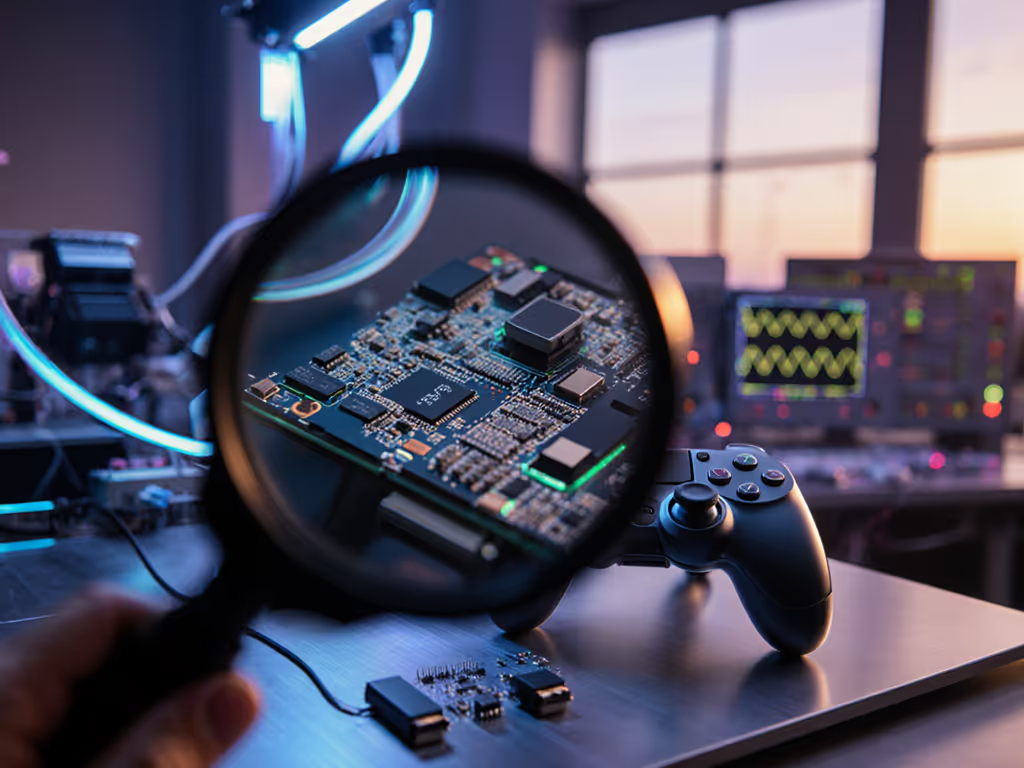
I once bought a 'dead' controller lot for the price of a new game. Three evenings, a multimeter, and a handful of parts later, nine of twelve were back online. Selling most covered costs; keeping one changed my main. Repairs didn't just save money, they sharpened my feel for inputs. The best controller is the one you can maintain and improve.
Your Actionable Customization Roadmap
Forget chasing "AI-powered" promises. Real personalization starts with your physical needs:
Step 1: Diagnose Your Actual Pain Points (Not Marketing Hype)
- ✋ Do your hands cramp? → Prioritize ergonomic shapes (e.g., Scuf Prestige's contoured grips) over "adaptive" software.
- 🎮 Do buttons stick? → Demand replaceable mechanical switches (like those in the Xbox Elite Series 2) instead of "predictive" coatings.
- ⚙️ Is stick drift ruining sessions? → Confirm Hall Effect stick compatibility before buying. Retrofit kits cost $25, not $200 for a "smart" controller.
Step 2: Demand Repairability (Here's How)
Manufacturers won't highlight this, so you must investigate:
- 🔍 Check iFixit scores: Anything below 7/10 means glued components. Avoid.
- 🔧 Verify part availability: Can you buy replacement sticks online? If not, skip it.
- 🛠️ Test disassembly: Use a teardown video. If you need soldering to access sticks, that's a red flag for long-term use.
Step 3: Build Your Actual Adaptive Setup
True personalization is physical:
- For hand fatigue: Add 3D-printed finger grooves to your controller (free templates on Thingiverse).
- For unreachable buttons: Plug programmable pads (like the Logitech Adaptive Button) into an XAC port, no AI needed.
- For stick drift: Install a $15 Hall Effect retrofit kit. Imperative steps: Disconnect battery first; use ESD-safe tools; test with multimeter before reassembly.
The Path Forward: Hardware Honesty Over AI Hype
Adaptive gaming technology only succeeds when it empowers users, not when it replaces their agency with unproven algorithms. The Xbox Adaptive Controller proves modular design beats "smart" gimmicks every time. As a controller repair specialist, I see the damage when gamers prioritize AI claims over physical serviceability: voided warranties, irreparable drift, and frustration.
Your next move? Stop chasing AI promises. Start mapping your physical needs to hardware you can modify. Grab a screwdriver, find your controller's service manual, and identify one component you can improve, whether swapping sticks or adding button extenders. True personalization isn't coded, it is crafted by your hands. Reverse steps to reassemble, and you'll have a controller that evolves with you, not one that betrays you when the "smart" features fail.
Kenji Sato is a controller repair specialist documenting mod techniques that extend hardware life. He refuses to endorse products he can't repair on his workbench.
Related Articles