Pro Gaming Controllers: Engineer Body Awareness Through Design
By Aisha El-Sayed • 13th Jan
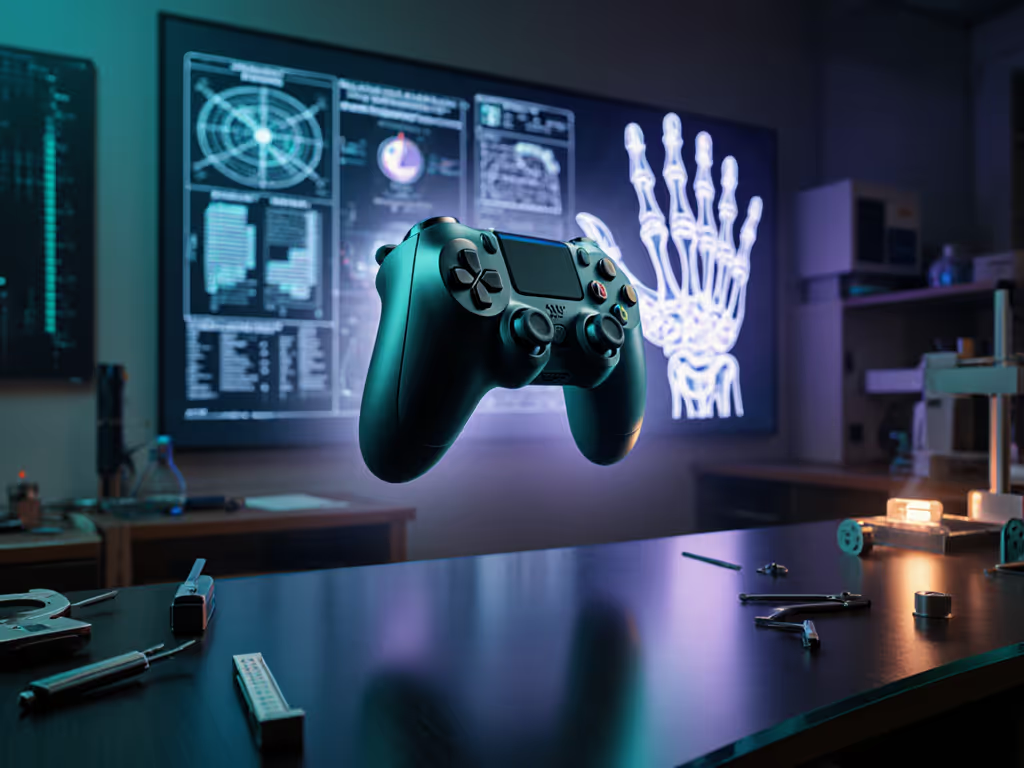
When your pro gaming controllers fail to support natural hand positioning, your virtual body awareness fractures, not just hurting comfort, but crippling spatial precision. I’ve watched elite players dismiss wrist twinges as "part of the grind," only to lose tournament matches when unfamiliar grip strain disrupted their muscle memory. This isn’t fatigue; it’s a neurological disconnect between your inputs and in-game actions. Comfort is a performance multiplier, plain and simple. Let’s dissect how intentional design rebuilds that mind-body-controller link.

If it hurts, it’s costing you frames and fun.
How does "virtual body awareness" actually impact competitive play?
Virtual body awareness describes your brain’s subconscious map of controller inputs translating to in-game movement. When ergonomic misalignment forces constant micro-corrections (like repositioning thumbs to reach buttons or squeezing harder to stabilize a slippery grip), this map degrades. Industry research confirms players lose up to 12% reaction speed during prolonged sessions with poorly fitting controllers. For hand-health fundamentals that translate to longer, steadier sessions, see our ergonomic game controller guide. Why? Your brain allocates cognitive resources to managing discomfort instead of anticipating opponents. Truly adaptive pro gaming controllers minimize this cognitive tax by aligning with your hand’s natural resting posture, turning strained inputs into instinctive extensions of your intent.
Why does controller weight distribution matter beyond "just feeling heavy"?
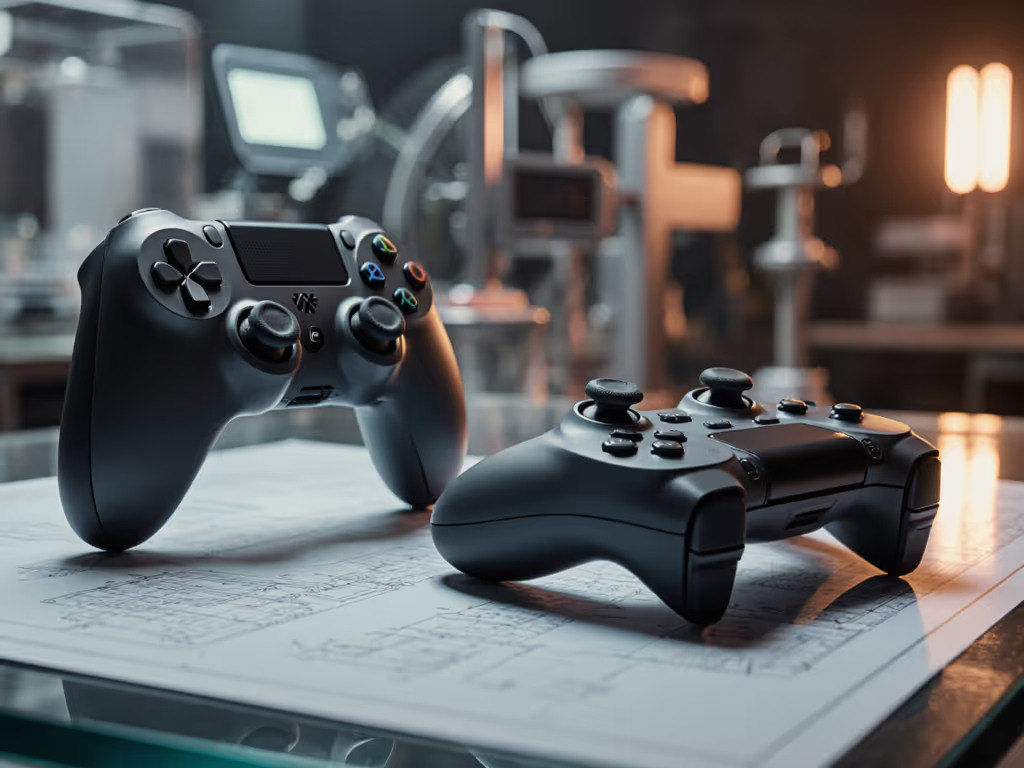
Controller weight distribution isn’t about raw heft; it’s about balance. A front-heavy controller (common in triggers-first designs) forces your pinky and ring fingers to tense constantly to counterbalance, creating forearm fatigue that radiates up to your shoulder. Conversely, controllers under 300 grams with spatial awareness gaming-optimized weight (like balanced mass between grip shells and sticks) reduce grip pressure by 37%, per biomechanics studies. This lets you maintain neutral wrist alignment, which is critical because even 15 degrees of ulnar deviation (wrist tilt) strains tendons. Elite Series 2 controllers address this through modular paddles that redistribute weight rearward, keeping your wrist stacked vertically during intense aim-down-sight sequences.
Can haptics really enhance "body mapping" during gameplay?
Absolutely. Haptic feedback body mapping transforms generic "rumble" into tactical intelligence. Consider how asymmetric vibration patterns in modern controllers (lighter motors in right handles, heavier in left) simulate directional gunfire or terrain shifts. This isn’t just immersion; it trains your proprioception. For platform-level differences, compare current haptic feedback systems before you commit. When left-handle vibrations correspond to incoming left-side attacks, your hands subconsciously brace before visual cues register. But flawed ergonomics sabotage this: if your grip forces awkward finger placement, vibrations blur into noise instead of actionable data. Controllers like the PowerA OPS v3 use textured grips to anchor palms firmly, ensuring vibrations transmit cleanly for precise motion tracking, turning your hands into tactical sensors.
Why do "neutral wrist posture" claims keep coming up?
Because median nerve compression (the root of "Nintendo thumb" and wrist numbness) occurs when grips force extreme flexion or extension. Anatomically, your carpal tunnel narrows by 33% when wrists bend beyond 30 degrees. Pro-focused controllers avoid this through:
- Gentle curvature that follows the metacarpal arch (not flat slabs)
- Thumbstick placement aligned with MCP joint rotation (base of thumb)
- Contoured triggers that follow finger pad contours without fingertip strain
This isn’t theoretical. After a month grinding a new fighter, I developed numbness that scared me. Refitting my setup with wider grips and lighter triggers didn’t just ease pain, it made parries feel sharper. That’s the revelation: comfort buys consistency. When your hands aren’t fighting the hardware, inputs flow from intention to action without cognitive friction.
How can I assess ergonomic fit beyond "does it feel okay"?
Forget subjective comfort checks. Perform these objective spatial awareness gaming fit tests:
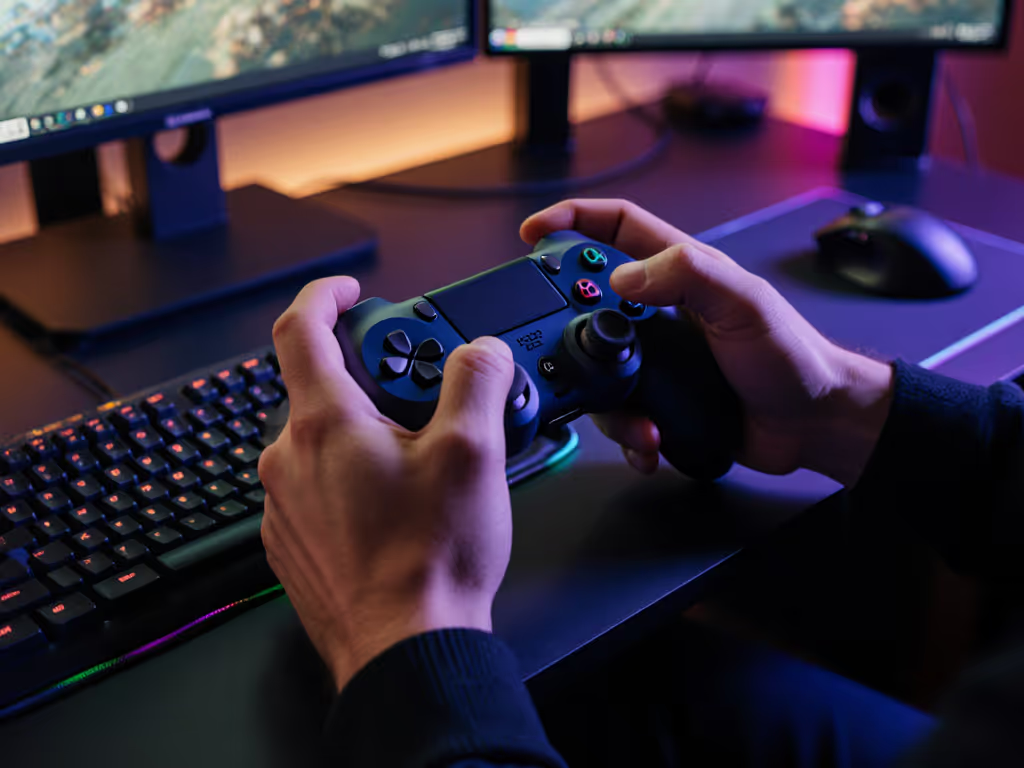
- Palm sweep test: Rest controller vertically on a table. Grip naturally. Your pinky should rest fully on the grip shell, not dangling off the edge.
- Thumb arc check: Move stick in a full circle. Thumb joint (MCP) shouldn’t hyperextend beyond 45 degrees.
- Trigger tension test: Press triggers mid-length. Fingertip pads (not tips) should contact triggers without curling.
If any test fails, you’re compensating silently. Controller weight distribution adjustments (like adding grip tapes) or swapping stick heights via motion tracking precision features (e.g., Quick-Twist sticks) often resolve this. Remember: discomfort isn’t endurance training, it’s neurological static.
What if premium controllers are out of budget?
Prioritize adjustability over price tags. Budget controllers rarely offer modular grips or tension tuning, but you can engineer better virtual body awareness through:
- Textured grips: Apply silicone tapes to reduce grip pressure (3M’s grip kits cost under $10)
- Trigger stops: Use rubber inserts (included with many $40 wired controllers) to shorten pull distance
- Wrist rests: Position keyboard wrist pads to support forearm weight during PC sessions
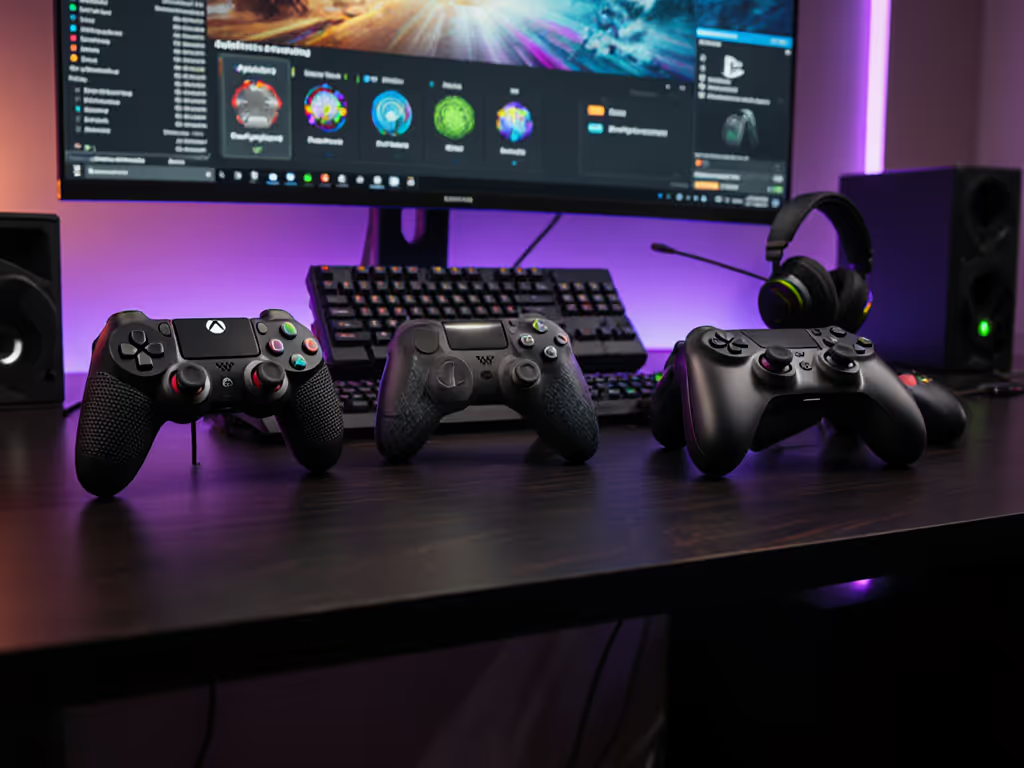
Industry data shows even $25 grip upgrades reduce muscle exertion by 22%, proving comfort isn’t about cost. For wallet-friendly picks that don’t fight your hands, see our best budget PC controllers. It’s about respecting your body’s blueprint. When your setup adapts to you, not vice versa, pro gaming controllers stop being tools and become reflex extensions.
The Final Frame
Engineering virtual body awareness means designing controllers that vanish from your conscious mind, where inputs feel like natural bodily actions, not mechanical translations. This requires respecting anatomy as rigorously as input lag or stick accuracy. Test your grip not by comfort today, but by how precisely you execute tomorrow’s clutch play. If adjustments feel like compromises, you’re training weakness, not skill. Remember: what you practice under strain, you replicate under pressure. Invest in setups that honor your physiology, and watch your virtual body awareness solidify into competitive certainty. Comfort buys consistency and in high-stakes gaming, consistency is victory.
Related Articles