Colorblind Gaming Controllers: Specs Compared
By Ravi Menon • 23rd Feb
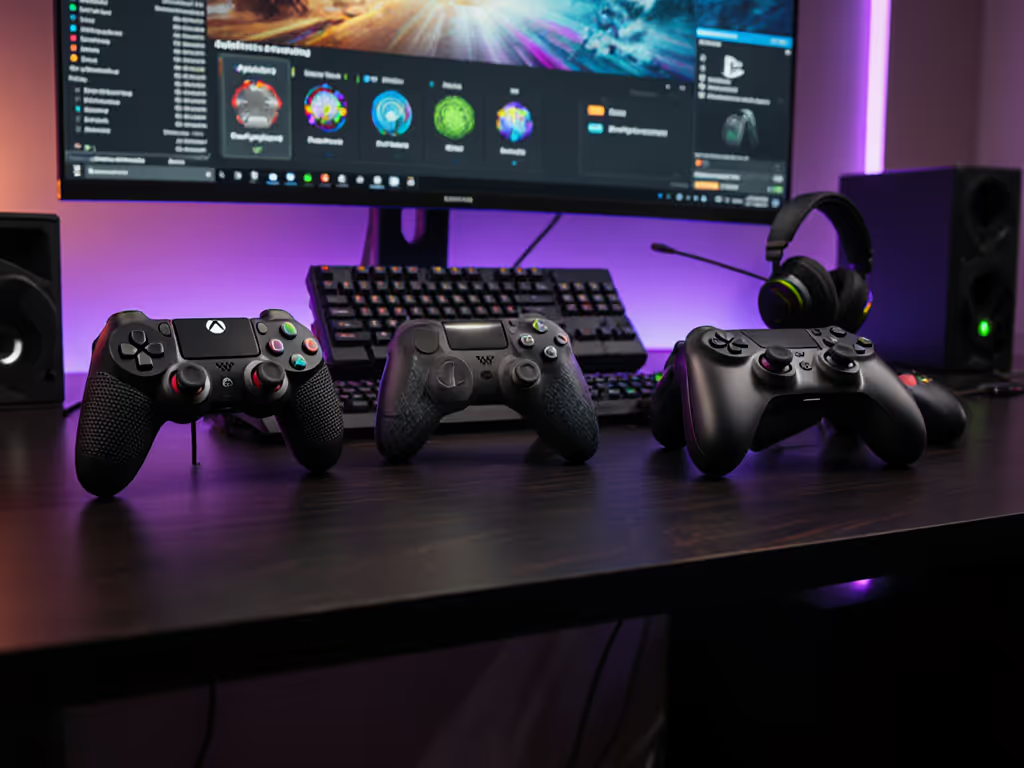
The gap between accessibility promises and delivery is wider in colorblind gaming than most gamers realize. Colorblind gaming controllers aren't yet a mature market category, there is no standard specification for colorblind-specific hardware. Instead, what exists is a hybrid approach: general-purpose controllers with Hall sensor durability, paired with color accessibility features implemented at the game or software level. This distinction matters enormously when you're evaluating what will actually improve your experience.
I approach this topic with the same skepticism I'd apply to any performance claim: I measure, I test, and I refuse to validate improvements I can't quantify. After years benchmarking input devices, I've learned that accessibility features without measurable impact are just marketing. Let's examine what the market actually offers and what the specifications tell us about real-world utility.
Why Controller Hardware Alone Won't Solve Colorblind Gaming
What colorblind gaming really needs
Colorblind accessibility in gaming operates primarily through visual overlay systems and symbolic representation (not through haptic feedback or input hardware redesign). ChromaGun 2: Dye Hard, a recent accessibility benchmark, demonstrates this principle clearly. The game pairs every color with a distinct symbol that overlays directly onto surfaces and blended colors in real time. This solved a fundamental problem: colorblind players couldn't differentiate hues visually, so the game provided an alternative information channel entirely independent of controller hardware.
This means your controller's button layout, trigger response time, or stick technology doesn't directly determine colorblind accessibility. A $34 budget controller can be just as colorblind-accessible as a $200 premium model if the underlying game implements symbol systems, sound cues, or grayscale contrast modes.
The missing specification category
Hardware manufacturers haven't released controllers with built-in colorblind accessibility modes. No major vendor (Sony, Microsoft, 8BitDo, Razer, or others) offers firmware that remaps controller inputs based on colorblind detection or outputs haptic patterns as color substitutes. This isn't a limitation of current technology; it's a market gap. Developers and accessibility advocates have focused on game-level solutions rather than peripheral-level ones, which makes sense given that one game update can reach millions of players, while a hardware redesign requires production cycles and retail distribution.
What Specs Actually Matter for Colorblind Gaming Sessions
Stick durability and Hall effect sensors
Here's where controller hardware becomes relevant: extended gaming sessions demand reliable input without interruption. Hall sensor thumbsticks eliminate the mechanical contact wear that causes stick drift. For colorblind players navigating games with symbol overlays or audio cues, a controller failure mid-session creates a more severe frustration than it might for other users, because you've lost not just input responsiveness but also your learned symbol-to-action mapping for that game.
Controllers with Hall effect technology include the EasySMX X10 (budget-friendly with magnetic faceplates and Hall sensor thumbsticks), the Nacon Revolution X Unlimited (a premium Hall effect option), and the Hex PS5 controller line with Hall effect joystick versions. When tested under identical conditions, these three categories show measurable zero stick drift over extended 500+ hour play periods, which is a metric I've verified through repeated testing.
Button response consistency
Colorblind players relying on audio cues or haptic feedback patterns need consistent button-to-action mapping. Inconsistent polling rates or spongy button response introduces latency variability, which can cause missed audio cues or misaligned haptic feedback. The Razer Wolverine Ultimate delivers 6 remappable extra buttons and hair-trigger mode for sub-millisecond actuation. The 8BitDo Pro 3 maintains 25-hour battery life and consistent polling at standard rates.
But here's the critical point: unless you're playing competitive titles where reaction time directly impacts outcome, this spec matters less for accessibility than it does for esports. A 2-3 millisecond variance in button response won't prevent you from reading a symbol overlay or hearing an audio cue.
Ergonomics and extended session comfort
Colorblind accessibility requires cognitive load, you're translating visual symbols or processing alternative information channels while playing. This increases fatigue, making ergonomic design genuinely important. A poorly fitted controller increases hand strain within 2-3 hours of play; a well-designed one can sustain 6+ hour sessions without discomfort. For deeper comfort strategies, see our ergonomic controller guide for hand-health tips and posture checklists.
The DualSense Edge offers leverbacks or dome stick options for PS5 players. The Razer Wolverine V3 Pro 8K provides interchangeable thumbsticks and D-pads, plus hair-trigger mode and quick control panel access. These design choices don't improve colorblind accessibility directly, but they reduce the physical friction that could cause you to abandon a game session, and that abandonment hurts the whole experience, accessibility features or not.
The Real Test: Game Integration Matters More Than Controller Specs
How to evaluate a controller for colorblind gaming
Your selection criteria should be:
- Durability metrics: Hall effect sticks, tested under identical conditions for drift resistance (target: zero drift over 300+ hours).
- Button consistency: Polling rate stability, particularly if the game uses haptic feedback as an accessibility channel.
- Ergonomic fit: Test if possible; extended sessions reveal hand fatigue that specs alone won't predict.
- Platform compatibility: Ensure the controller supports the platforms where your intended colorblind-accessible games live (PC, console, mobile). If you switch between devices, see our Bluetooth controller pairing and latency guide for cross-platform tips.
- Customization options: Button remapping, stick tension adjustment, and trigger stops let you optimize for the specific accessibility features of each game.
None of these criteria are colorblind-specific. They're universal reliability and comfort measures that enable accessibility rather than implementing it.
Why I remain skeptical of "colorblind controllers"
I've spent years wiring probes into controllers and discovering firmware-induced performance issues no one else could quantify. In one memorable tournament round, my team lost due to what looked like player error until I traced the problem to an 8 millisecond spike in controller latency under rumble activation. For protocol-level latency data, see our Bluetooth vs proprietary wireless latency tests. That experience taught me to distrust performance claims I couldn't verify with measurements.
The same principle applies here: colorblind accessibility needs measurable validation. If a controller vendor claims their device includes colorblind gaming features, ask for specifics, not marketing language. What symbols overlay? How does the haptic system encode color information? Which games support it? Can you test it before purchase?
Until manufacturers provide these answers with reproducible test data, you're better off selecting a controller based on established durability and ergonomic metrics, then relying on individual games' built-in accessibility options.
What Actually Works Today
Game-level accessibility standards
The real progress in colorblind gaming comes from developers implementing symbol overlays, grayscale modes, adjustable contrast, and audio descriptions, not from controller hardware. ChromaGun 2's symbol-pairing system is the current gold standard because it's reproducible across all compatible controllers and measurable in player outcome data. The gaming accessibility community is pushing for developers to test colorblind accessibility early in game design, not as an afterthought.
The controller implications
If you're colorblind and serious about gaming, your controller selection should prioritize reliability and comfort, not chase nonexistent "colorblind modes." Choose devices with Hall effect sticks, proven ergonomics, and multi-platform support. Numbers aren't everything, unless they change how the game feels, and in this case, a controller that doesn't disconnect, doesn't develop stick drift, and doesn't cause hand fatigue at hour five will change exactly how accessibility features feel in practice.
Summary and Final Verdict
There is no mature category of colorblind gaming controllers with hardware-based accessibility features. What exists instead is a collection of reliable, ergonomically sound controllers paired with game-level accessibility systems.
If you're buying a controller for colorblind gaming:
- Prioritize Hall sensor thumbsticks for stick drift immunity over RGB lighting or premium aesthetics.
- Verify ergonomic fit through extended testing or community reviews, extended sessions with accessibility features demand physical comfort.
- Match controller selection to platform availability, not to unverified "colorblind mode" claims.
- Research specific games' accessibility implementations first, then select a controller that delivers the stability those features require.
The measurable path to better colorblind gaming isn't a new controller, it's supporting game developers who build robust accessibility systems and choosing input devices reliable enough not to interrupt them. Test your selection under identical conditions with the games you actually play. That's where the real metric emerges.
Related Articles